
Your event on your own website, one copy and paste.
Build a widget in the dashboard — a countdown, the entry form, the schedule, your sponsors, the start list, the results — and paste one snippet into your site. It renders white-label in your colours and your site's font, and updates itself whenever you change it. Or describe what you want and let the AI builder draft it.

Countdowns, entry forms, schedules, sponsors, start lists and results on your own website.
Seven widget types, and a gallery
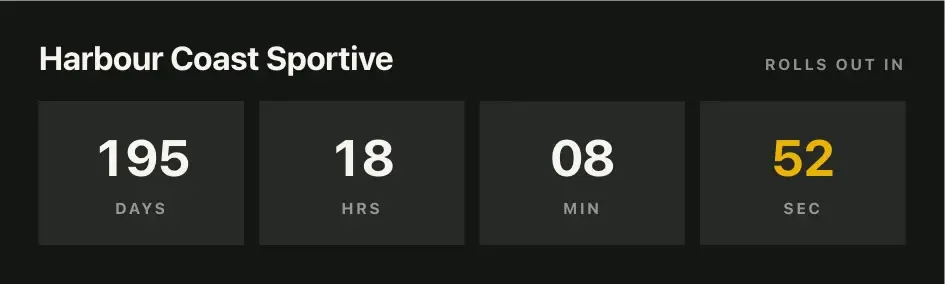
Countdown, entry form, event details, schedule, sponsors, start list and results, plus a photo gallery. Several of one type can carry different designs — a hero countdown on the home page, a compact one in the sidebar.
Drafted by the AI builder
Describe the widget — “a bold countdown with the date and an Enter button, in our club colours” — and the AI builder composes a first version for you to adjust. It edits an existing layout the same way, in plain words.
White-label, in your brand
No RaceLinq badge on your widgets. Colours come from your Branding page and the font from your site — or give the AI palette tool your website's address and it matches your brand for you.
Live from the event
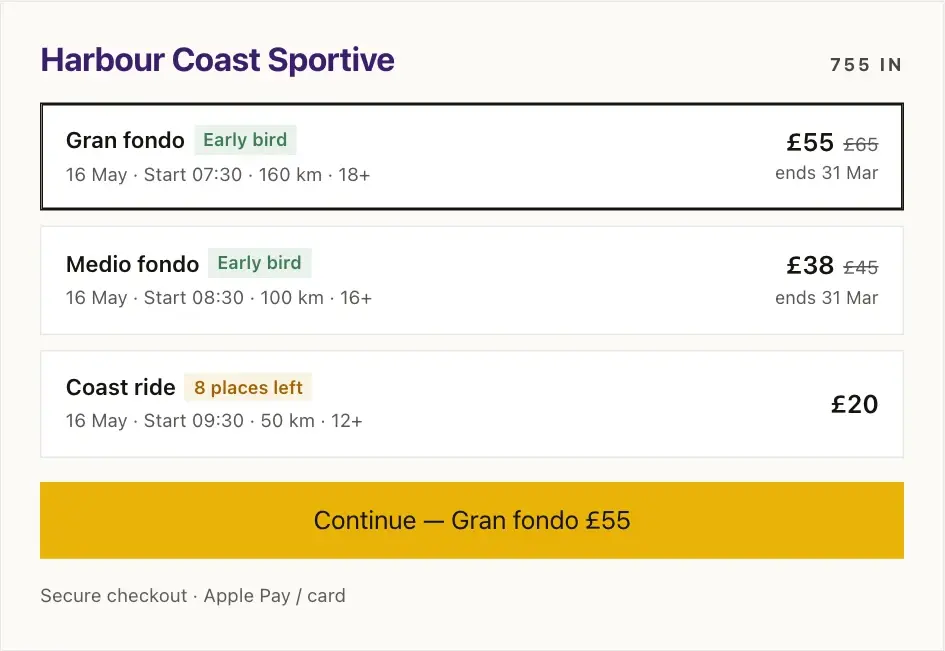
Dates, prices, places left, the start list and the results all read from the event, so a widget on your site can never go out of date. Override any field for one widget alone.
Bound to your domain
Each widget is served only on the host domains you verify, so your snippet can't be lifted onto someone else's site.
Edited from the dashboard
Change the design, swap the content or restyle it, and every page it is embedded on updates on its own — there is nothing to re-paste.
Every point here is included for every organisation — the full list is on the features page.
Set up in three steps.
- 01
Add a widget to the event
Pick a type, choose a layout in the design builder and preview it at desktop and phone widths. Content comes from the event by default.
- 02
Or describe it
Type what you want in the widget builder's prompt box and the AI composes the layout. Ask for changes the same way; Undo puts it back.
- 03
Paste the snippet
Copy the one-line script from the widget's Embed popover into an HTML block on WordPress, Squarespace, Wix or your own template. Verify your domain once and it is live.

Seven widgets on one club's site
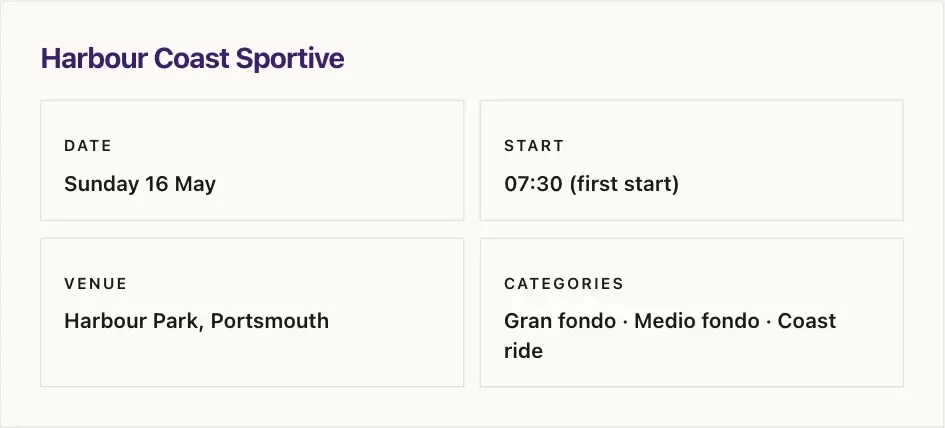
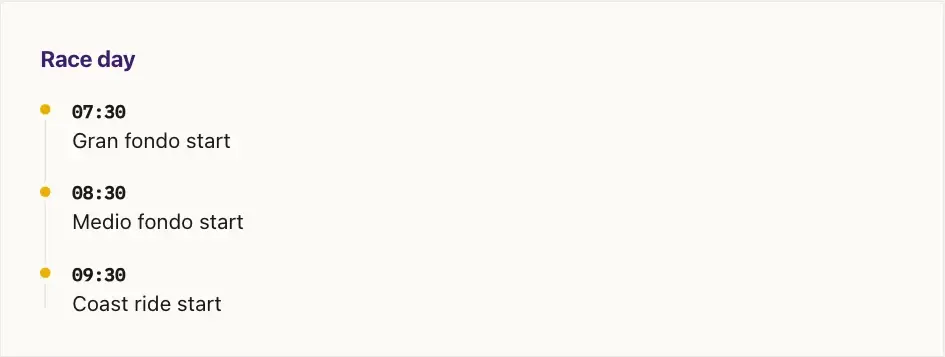
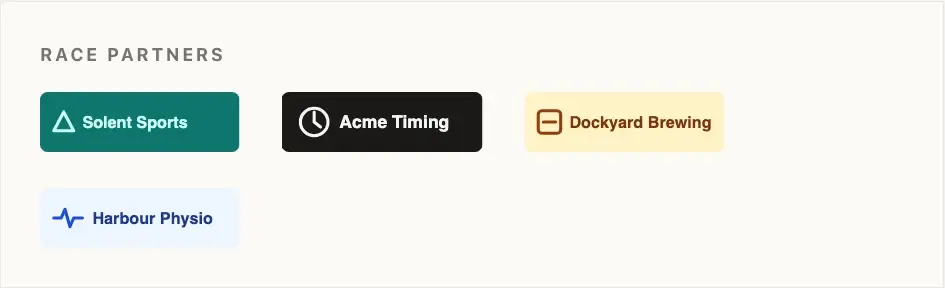
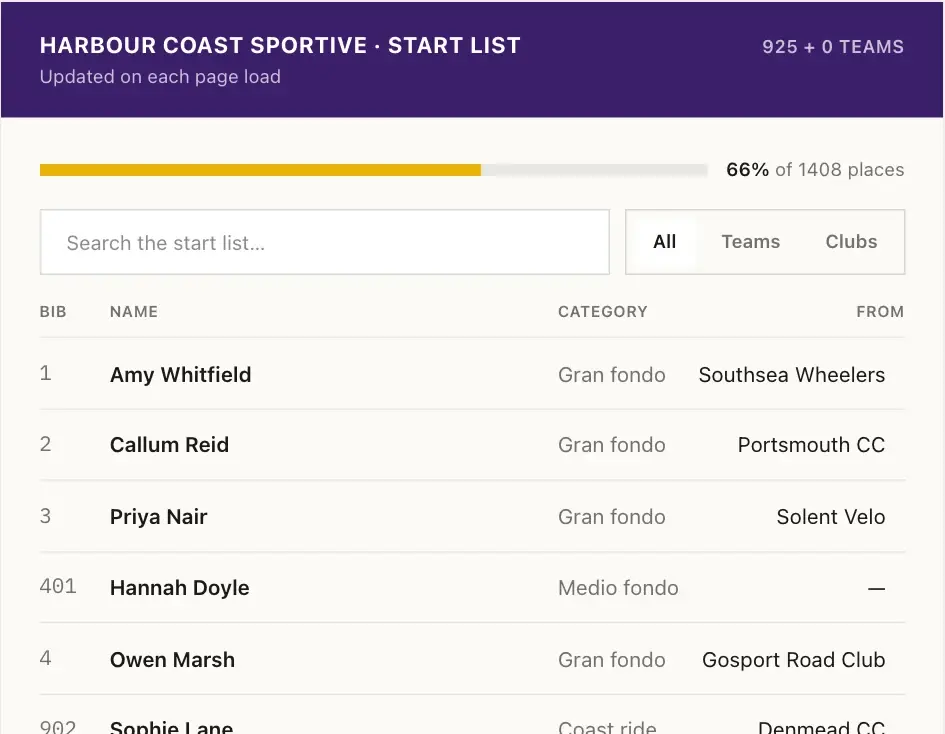
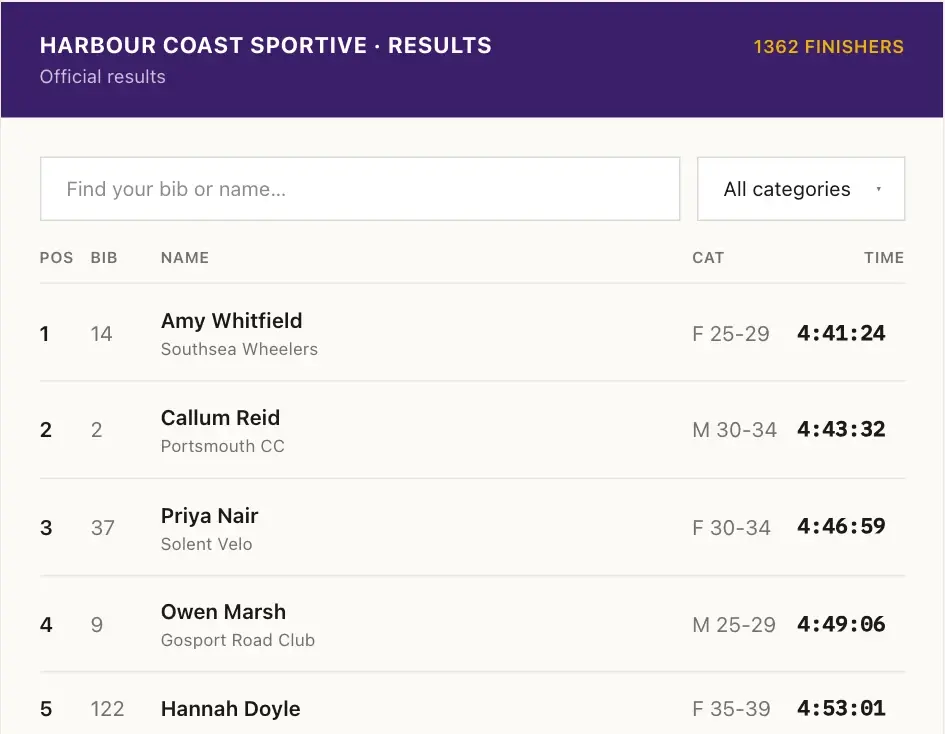
Harbour Wheelers' countdown, entry form, event details, schedule, sponsors, start list and results, exactly as the real snippet renders them on their own website — one organisation's colours through the cascade, the dark countdown on its own preset.
Widgets are in beta
Embeddable widgets are in beta: they work, but designs and the embed snippet may still change. Tell us what you're building and what you'd change — this is the part of RaceLinq we're shaping with organisers right now.
Manage your next race with RaceLinq.
All features are included. No card needed to sign up: entrants pay a 3% booking fee plus card processing (1.5% in pounds, 2.5% in euro) at checkout, and you receive your entry price in full.