
Everything in RaceLinq, all of it included.
Registrations, event pages, entrant emails, results and widgets for your own website — white-label under your brand, with an AI builder that drafts the pages for you. All features are included for every organisation: entrants pay a 3% booking fee plus card processing (1.5% in pounds, 2.5% in euro) at checkout, and you receive your entry price in full.

Registrations
A branded checkout for every race — individuals, relays and teams — with card payment paid straight to your own Stripe account. You set the categories and prices; RaceLinq handles the rest.
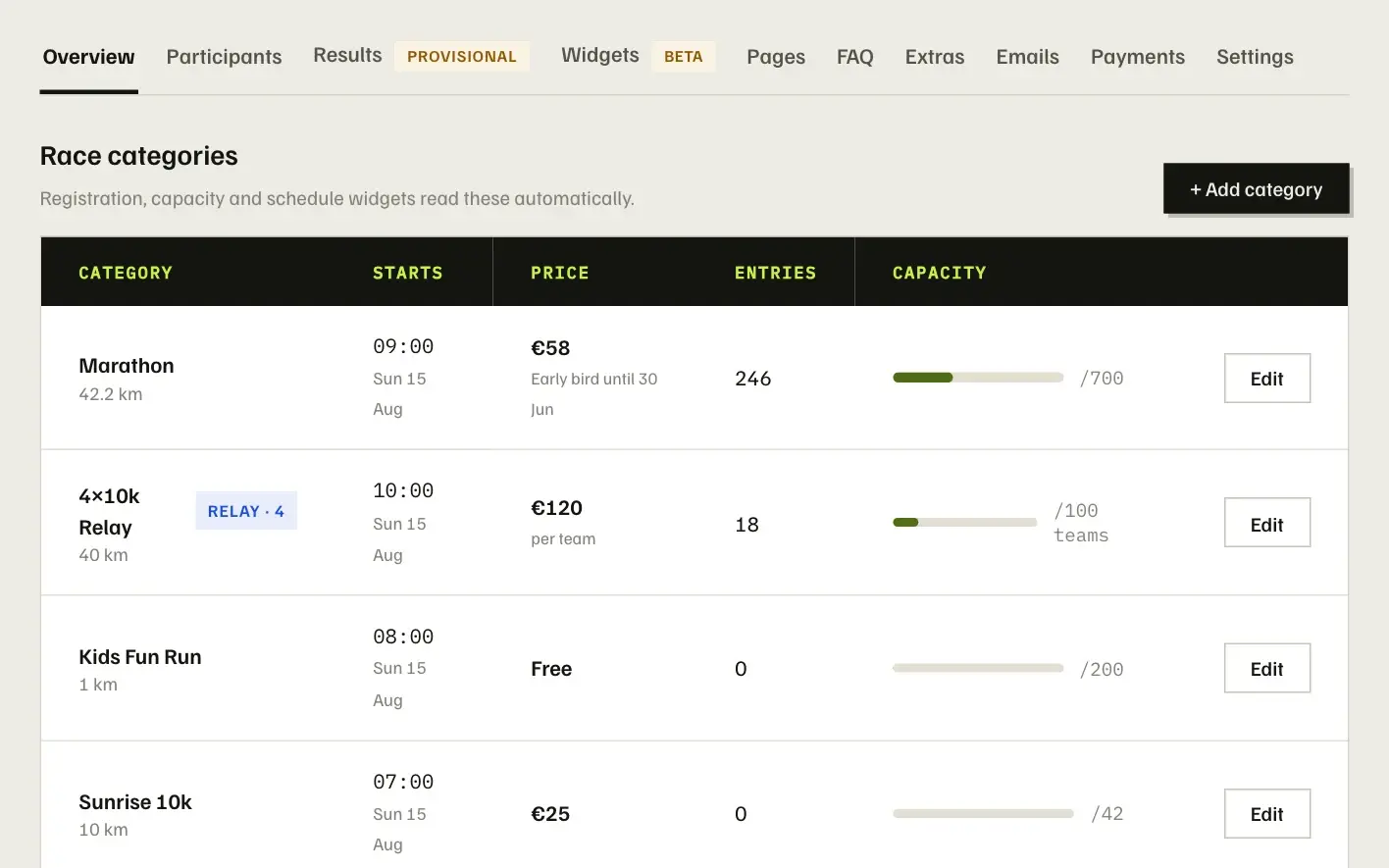
- A checkout in your colours
Choose entries, fill in details, pay. The page takes your organisation and event colours automatically, with your logo at the top.
- Individuals, relays and teams
Relay categories collect a roster with a person per leg; group entries let several people enter together. Capacity counts teams, not people, and group members are placed individually in results.
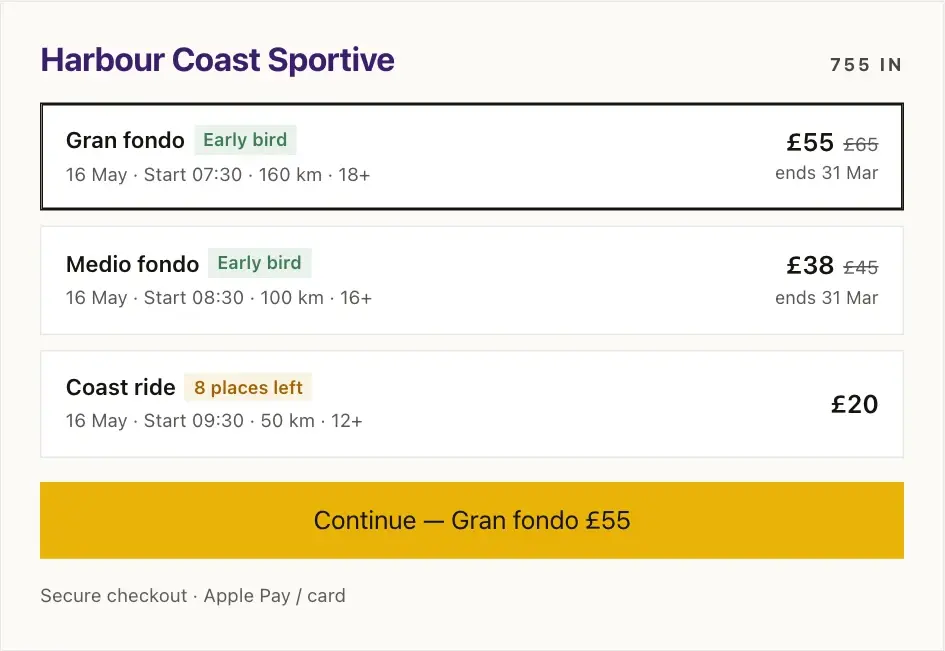
- Early-bird pricing tiers
Add as many price tiers as you like, each with an end date. They roll over on their own and the checkout shows the saving.
- You keep the entry price
The booking fee is paid by the entrant on top of your price, so the amount you set is the amount that lands in your Stripe account.
- Speedy checkout
Take payment first and collect names, emergency contacts and addresses later, with a nudge email before your cut-off.
- Extras and transfers
Sell merchandise and add-ons at checkout, and let entrants transfer an entry to someone else, with an optional transfer fee.
Event pages
Turn on a public page for any event and it is built from what you have already entered: date and place, categories with live prices and availability, a countdown and the Enter button.
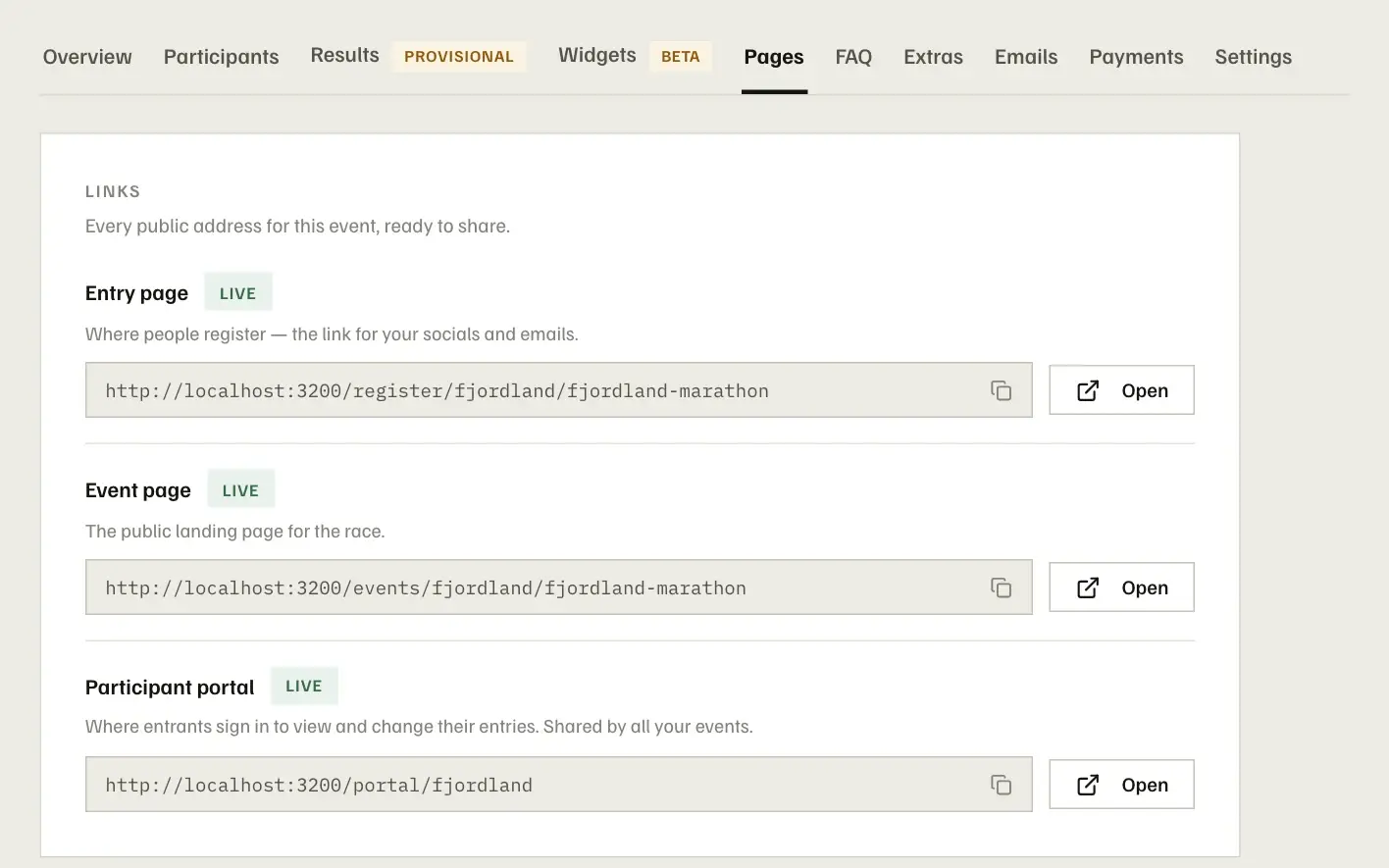
- Built from your event data
The hero, the race cards, prices, tier deadlines and the countdown all read from the event, so the page can never go out of date.
- Your brand, cascaded
Colours flow from your organisation to a series to the event. Set them once on the Branding page and every page follows.
- A block-based page builder
Rearrange sections, add an About block, links, a share row with a calendar file, or two-column layouts. Or describe the page you want and let the AI builder draft it.
- Drop in your widgets
Schedules, sponsors, countdowns and entry forms you have built as embeds slot straight into the page, styled exactly as they are on your site.
- Ready to share
Shared links unfurl with the event's name, date and image. The page keeps working after race day, with the entry buttons gone.
- Custom CSS when you need it
Every block accepts its own CSS for the finishing touches a designer would want to make.
Entrant emails
Confirmations, receipts, transfer requests and sign-in codes go out automatically in your branding. When you have news, send it to your entrants from the same place.
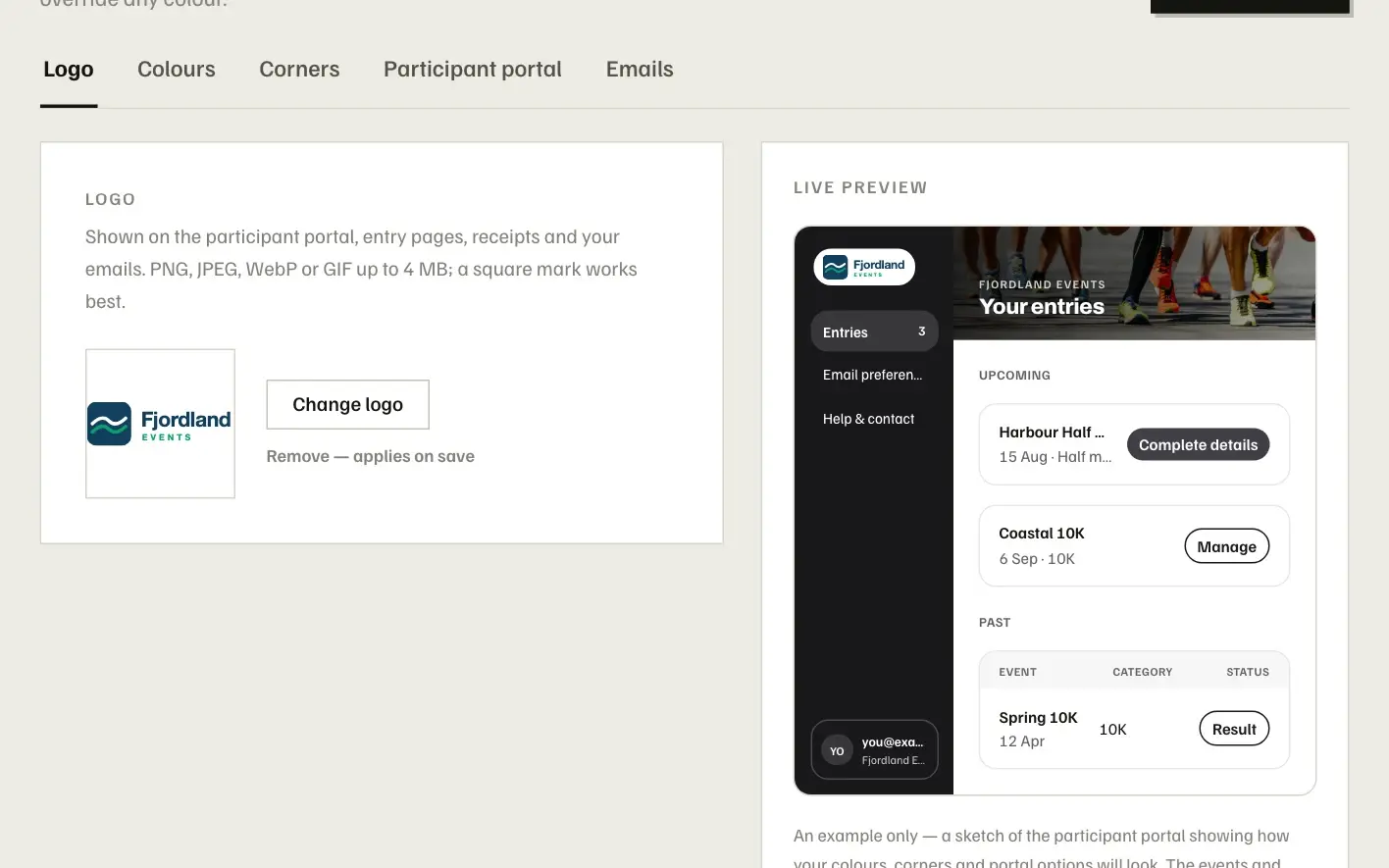
- Confirmation with a receipt
Every entry gets a confirmation the moment payment settles, itemised with what was paid and a link to the participant portal.
- Every step of an entry
Refund receipts, transfer requests and completions, cancellations, a nudge for missing details and the portal's sign-in codes are all covered.
- In your branding
Your logo, colours, an optional banner image and your sign-off line. Send yourself a test email from the Branding page before anything goes out.
- Announcements to your entrants
Race-week reminders, course changes, a thank-you afterwards: write it once and send it to everyone entered, with unsubscribe handled for you.
- Finisher emails
When results are published, each finisher can receive their time, position and splits by email.
Results
Publish a start list before the race, then bring in your timing data and publish results with splits, age groups and relay legs — in a results widget on your event page or your own site, and in each finisher's inbox.
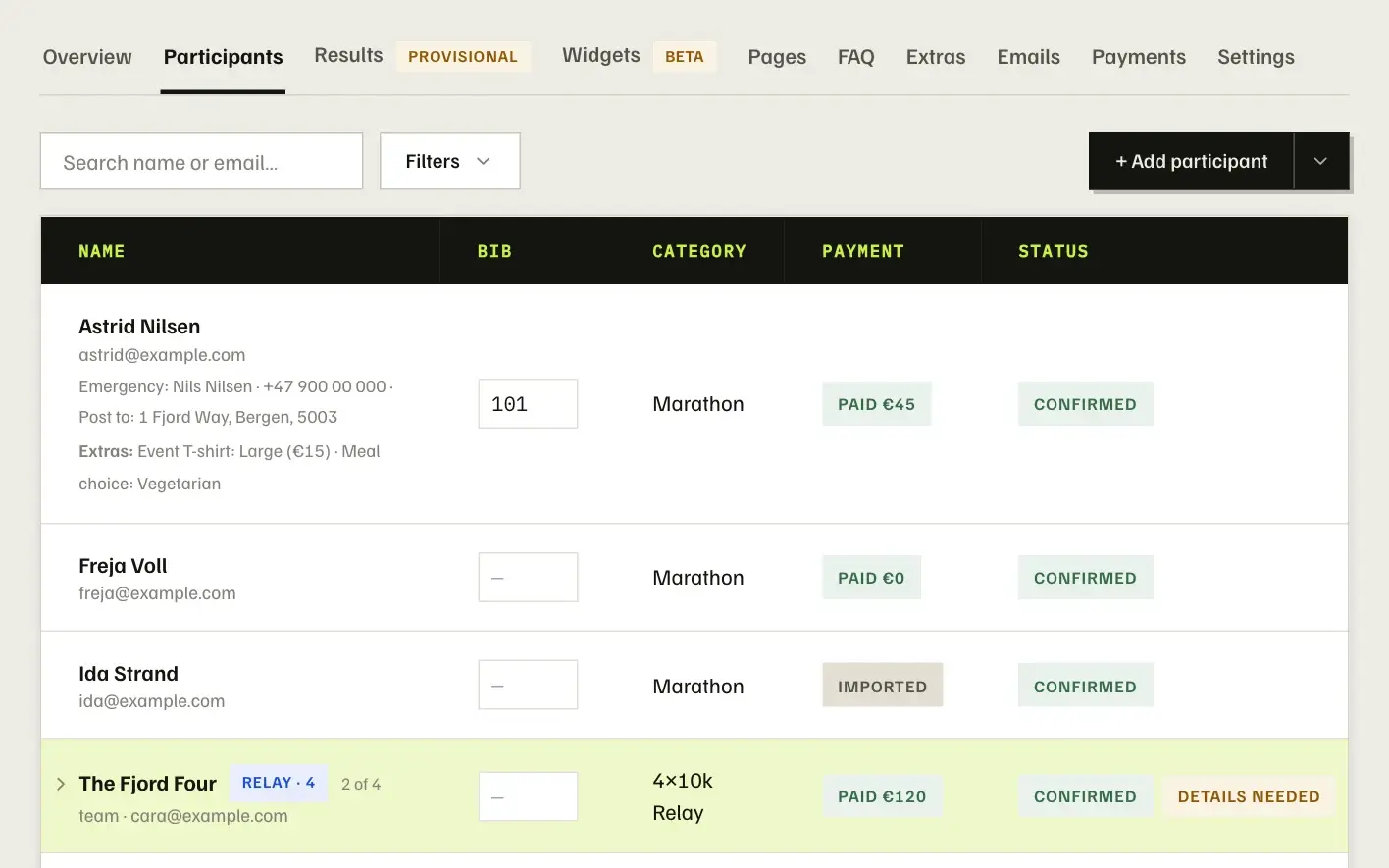
- Start lists from your entries
Entrants with bib numbers become a searchable start list. Add it as a widget to your event page or embed it on your own site.
- Import from your timing system
Upload a CSV and RaceLinq matches rows to your entrants by bib, name and category, flagging anything that needs a decision.
- Splits, divisions and relays
Define split points per category and results show segment times and positions. Women's and men's tabs, age-group divisions and relay leg splits are worked out for you.
- Provisional on the day, final when you say
Publish provisional results as finishers come in, then mark them final once the timing team signs them off.
- Filter and search
Entrants filter by category and search by name or bib. The results embed works on any website, in your colours.
- Finisher emails
Once results are final, each finisher can receive their time, position and splits by email.
Widgets
Build a widget in the dashboard — a countdown, the entry form, the schedule, your sponsors, the start list, the results — and paste one snippet into your site. It renders white-label in your colours and your site's font, and updates itself whenever you change it. Or describe what you want and let the AI builder draft it.
- Seven widget types, and a gallery
Countdown, entry form, event details, schedule, sponsors, start list and results, plus a photo gallery. Several of one type can carry different designs — a hero countdown on the home page, a compact one in the sidebar.
- Drafted by the AI builder
Describe the widget — “a bold countdown with the date and an Enter button, in our club colours” — and the AI builder composes a first version for you to adjust. It edits an existing layout the same way, in plain words.
- White-label, in your brand
No RaceLinq badge on your widgets. Colours come from your Branding page and the font from your site — or give the AI palette tool your website's address and it matches your brand for you.
- Live from the event
Dates, prices, places left, the start list and the results all read from the event, so a widget on your site can never go out of date. Override any field for one widget alone.
- Bound to your domain
Each widget is served only on the host domains you verify, so your snippet can't be lifted onto someone else's site.
- Edited from the dashboard
Change the design, swap the content or restyle it, and every page it is embedded on updates on its own — there is nothing to re-paste.
An AI builder that does the first draft.
You describe, it composes, you adjust. Everything it produces is a normal layout in the same builder you would use by hand — so there is nothing it can do that you can’t undo or edit.
Event pages, drafted
Describe the page you want and the builder composes it from the event — hero, categories, countdown, an About section. Ask for changes in plain words; Undo puts them back.
Widgets, composed
The same prompt box in the widget builder: “a bold countdown with the date and an Enter button, in our colours” becomes a first version you adjust and embed.
A palette from your website
Give the palette tool your site's address and it reads your colours and proposes a brand palette that passes contrast checks, for every page, email and widget.
We’ll set it up with you.
Book a thirty-minute call and we’ll set up your first race together: categories, prices and the entry form, your existing entrants brought over, your widgets on your site, and a walk through the checkout your participants will see. Afterwards you have direct email support.
- Your event set up live: categories, prices, capacity and the entry form
- Your existing entrants brought over from a spreadsheet
- Your widgets placed on your own website, in your colours
- The checkout, portal and emails exactly as your participants will see them
- Results day: bibs, importing times and publishing to your site
Or set it up yourself.
Create an event, embed the widgets and open registration. Nothing to install and no card required.